


 62
62
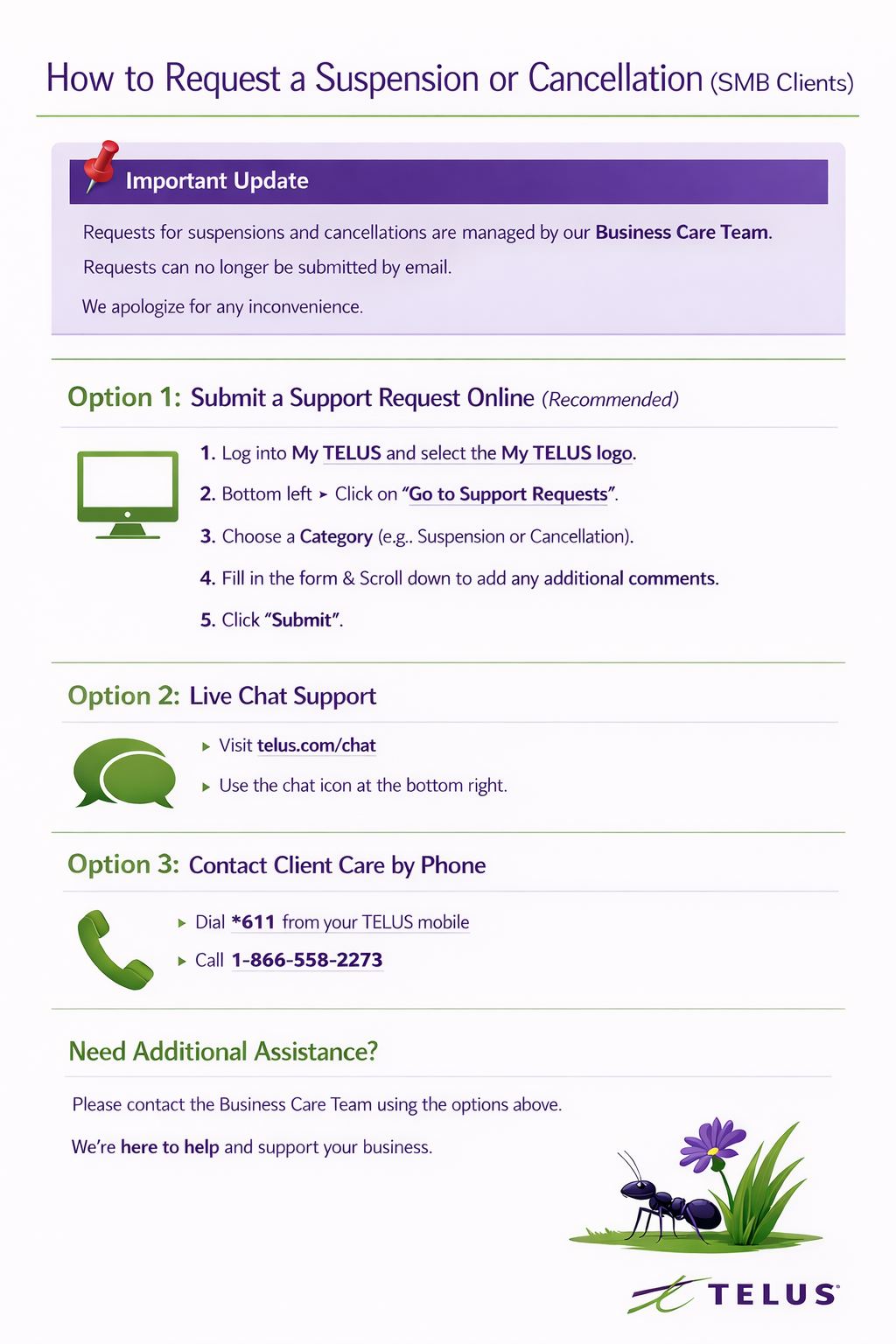
How to Request a Suspension or Cancellation (SMB Clients)
Thank you for being a valued TELUS Business client. This article outlines the options available to Small and Medium Business (SMB) customers to request service suspension or cancellation.
📌 Important Update
Our Business Care Team manages requests for suspensions and cancellations. Please note that requests can no longer be submitted by email. We apologize for any inconvenience this may cause and appreciate your understanding.
Option 1: Submit a Support Request Online (Recommended)
You can submit your suspension or cancellation request through the My TELUS portal.
How to Submit a Request:
-
Log in to your My TELUS account at:
https://www.telus.com/business/my-telus/support-requests -
Select the My TELUS logo.
-
In the bottom left corner, click “Go to Support Requests.”
-
Choose the appropriate category (e.g., Suspension or Cancellation).
-
Complete the form and scroll down to add any additional comments or details.
-
Click Submit.
Once submitted, a member of the Business Care Team will review and follow up on your request.
Option 2: Live Chat Support
You can access chat support directly through the TELUS website:
-
Visit telus.com/chat
-
Use the chat icon located at the bottom right of the page
-
Start with the Virtual Assistant, which will route you to the appropriate support channel
This option is ideal if you require immediate assistance.
Option 3: Contact Client Care by Phone
You may also contact a member of the Client Care team directly:
-
Dial *611 from your TELUS mobile device
-
Call toll-free: 1-866-558-2273
A representative will be happy to assist you with your suspension or cancellation request.
Need Additional Assistance?
If your account is managed under Business Care, please ensure you are contacting the appropriate team using the options above to avoid delays.
We appreciate your business and remain committed to supporting your needs efficiently and professionally.

